Cloud, K8s & CI/CD Trust Hardening: From Vulnerability to Resilience

Overview

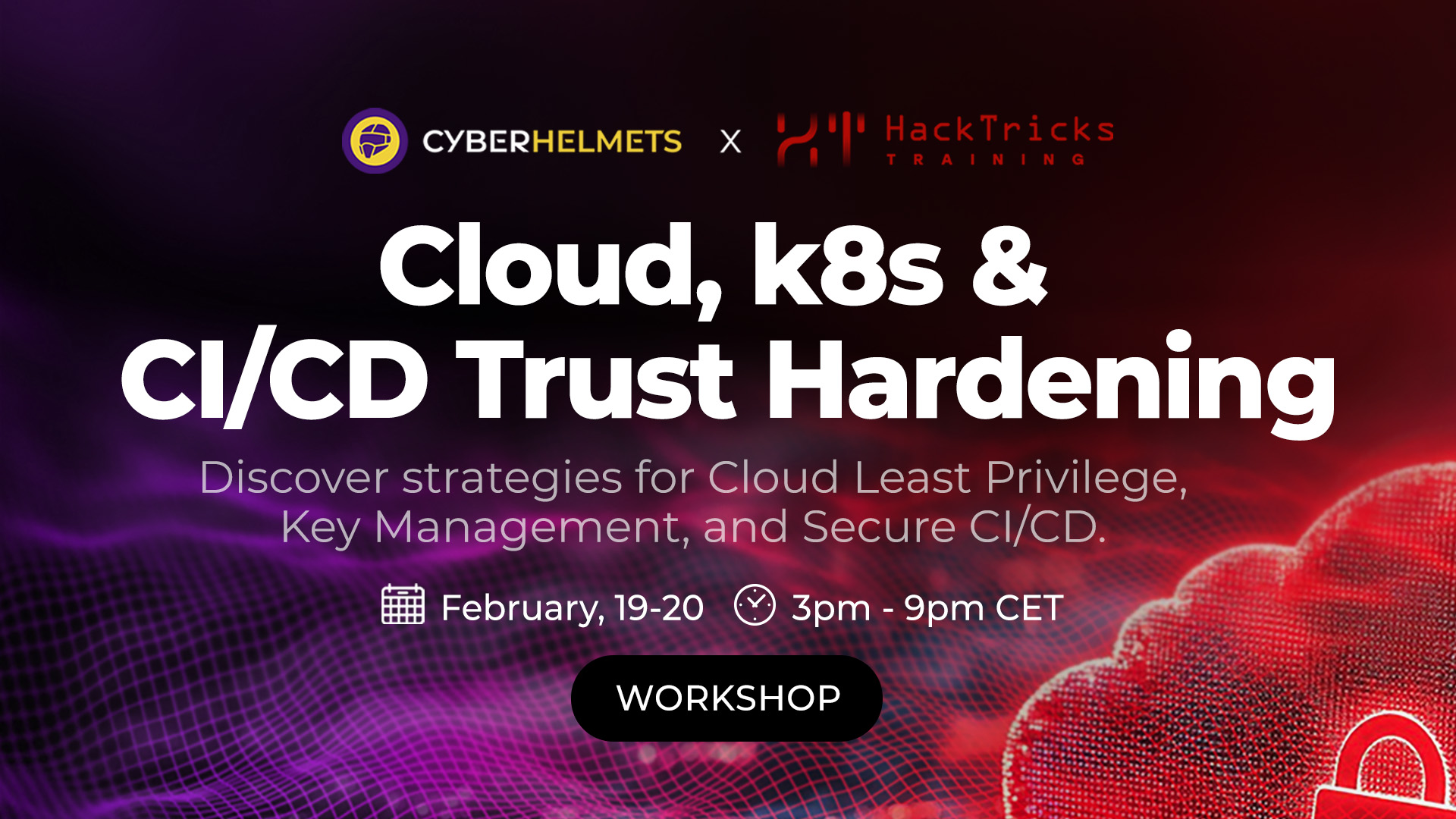
This workshop explores how security teams can move from theoretical cloud security models to practical trust hardening in real-world environments.


Across two intensive, hands-on sessions, Cyber Helmets and HackTricks Training collaborate to break down how trust actually fails in modern cloud infrastructures, across identities, pipelines, and Kubernetes, and how teams can harden it in practice using realistic scenarios and hands-on labs.


Rather than focusing on isolated misconfigurations, the workshop looks at trust relationships attackers exploit and how those weaknesses emerge in day-to-day cloud operations.


📅 19–20 February 2026

🕒 3pm–9pm CET

💻 Live online 

🧪 Hands-on labs provided by HackTricks Training


Why you should attend

Many cloud security issues stem from how trust is designed and applied across identities, pipelines, and orchestration layers, not from a lack of tooling.


This workshop is designed for teams who want to move beyond configuration checklists and better understand how trust assumptions are introduced, where they break down, and how they are exploited in real-world cloud environments. Through guided discussion and hands-on labs, participants will work through realistic scenarios that reflect how modern cloud infrastructures are actually built and operated.


The focus is on hardening trust where it most often fails today, across identity and cloud least privilege, key management, CI/CD pipelines, and Kubernetes environments on AWS, Azure, and GCP.


Participants will get hands-on action with HackTricks Training labs and experience an intensive, hands-on workshop focused on practical skills they can apply beyond the lab environment.


Key Takeaways

  • A clearer understanding of trust failure patterns in cloud and pipeline environments
  • Practical skills for detecting and preventing cloud abuse scenarios
  • Knowledge of secure key-management architecture and how to protect encryption workflows
  • Tools and frameworks for CI/CD integrity and policy enforcement
  • Hands-on experience applying defensive configurations to AWS EKS clusters
  • Confidence in identifying and mitigating cloud pivoting behaviors


Meet the instructors

Work directly with field experts and learn how they approach real-world cloud security problems. Their combined experience informs both the labs and context of this workshop, ensuring you get practical insights grounded in real-world attack and defense scenarios.

 

Profile photo

Carlos Polop
LinkedIn

Co-Founder of Hacktricks Training, Pentesting & Red Team Principal Leader
Profile photo

Ignacio Dominguez
LinkedIn

Co-Founder of Hacktricks Training, Cloud Security at Circle


Join the workshop

Join us to explore, in action, how trust breaks across cloud infrastructure, CI/CD pipelines, and Kubernetes, and how to harden it in practice.

📅 19–20 February 2026
🕒 3pm–7pm CET | Live online


👉 View full details and join us here:

 

REGISTER NOW →

SHARE:

Syllabus:

Intro to GCP

  • GCP Hierarchy
  • Google Workspace
  • gcloud config
  • Basic Hacking Techniques

Exploitation of GCP Services

  • IAM
  • KMS
  • Secrets 
  • Storage
  • Compute Instances & VPC
  • Cloud Functions
  • CloudSQL
  • Pub/Sub
  • App Engine
  • Google APIs
  • Cloud Shell

Methodologies

  • White box

Security Services

  • GCP Logging & Monitoring

Syllabus:

Intro to AWS

  • AWS Organization
  • AWS Principals
  • Basic Hacking Techniques

Exploitation of AWS Services

  • IAM
  • STS
  • KMS
  • Secrets Manager
  • S3
  • EC2 & VPC
  • Lambda
  • RDS
  • SQS
  • SNS

Methologies

  • White box

Common Detection Mechanisms

  • CloudTrail

Syllabus:

Azure Basics

  • Azure Organization
  • Entra ID
  • Azure Tokens & APIs
  • Basic Enumeration Tools


Exploitation of Azure Services

  • Entra ID IAM
  • Azure IAM
  • Azure Applications
  • Azure Key Vault
  • Azure Virtual Machine & Networking
  • Storage Accounts
  • Azure File Share
  • Azure Table Storage
  • Azure SQL Database
  • Azure MySQL & PostgreSQL
  • Azure CosmosDB
  • Azure App Service
  • Basic Azure Research Technique
  • Azure Function Apps
  • Static Web Apps
  • Azure Container Registry
  • Azure Container
  • Instances, Apps & Jobs
  • Azure Queue
  • Azure Service Bus
  • Azure Automation Account
  • Azure Logic Apps
  • Azure Cloud Shell
  • Azure Virtual Desktop


Methologies

  • White box
  • Black box
  • Pivoting between Entra ID & AD


Common Detection Mechanisms

  • Azure & Entra ID Logging & Monitoring
  • Microsoft Sentinel
  • Microsoft Defender for Cloud & Microsoft Defender EASM

Fundamentals and Setup

  1. Overview of Android’s architecture and ecosystem dynamics.
  2. Exploration of security features native to Android using Java, Kotlin, C++, and Rust.
  3. Mobile Application Threat Model
    a) Differences between mobile and web application threat models.
    b) Applying threat modeling techniques specifically to mobile applications.
    c) Case studies highlighting potential threats and vulnerabilities.
    d) How do we secure and test cross platform apps (e.g. ReactNative, Xamarin, etc).
  4. Introduction to industry mobile security standards
    a) OWASP Mobile Application Security (MAS) project
    b) Effective usage of the Mobile Application Security Verification Standard (MASVS).
    c) Effective usage of the Mobile Security Testing Guide (MSTG).
    d) Overview of the OWASP top 10 for mobile.
  5. Setting up and preparing a mobile security testing lab
    a) Configuration of industry-standard tools and guidance on their appropriate use.
    b) Setup of virtual mobile devices using Corellium, including its advantages.
    c) Introductory exercises to familiarize with the tools.
  6. Secure Coding Overview
    a) Exercises to identify vulnerabilities in code examples
    b) Discussion of the appropriate mechanisms for remediation
    c) Practical session on remediation and re-testing the app
  7. Secure storage
    a) Overview of application storage mechanisms.
    b) Introduction to cryptographic storage solutions on Android.

Advanced Techniques and Practical Application

  • Mobile penetration testing methodology
    a) Methodologies used in real-world scenarios with practical tips and tricks.
  • Identifying issues with backend APIs
    a) Examination of client-side trust issues.
    b) Analysis of insecure communications including certificate validation and pinning.
  • Cryptography in Android apps
    a) Utilization of Android’s Crypto APIs.
    b) Implementation of native cryptography using libraries like libnacl and OpenSSL.
    c) Management of cryptographic keys.
  • Authentication and Authorization
    a) Testing client-side authentication mechanisms, including secure usage of biometrics.
    b) Strategies to detect and bypass authentication flaws.
    c) Security measures for API authentication.
  • Android IPC
    a) Detailed exploration of Intents, deep links, Binders/services, and broadcast receivers.
  • Webviews
    a) Identifying and resolving common security issues in Android Webview configurations.
  • Software Composition Analysis (SBOM)
    a) Techniques to determine the components of an Android app.
    b) Identifying known vulnerabilities within these components.
  • Mobile Device Management (MDM)
    a) Introduction to Mobile Device Management: definition, core features, and its role in enhancing organizational security.
    b) Discussion on the benefits and practical applications of MDM in controlling and securing mobile devices across an enterprise.
  • Mobile Application Management (MAM)
    a) Overview of Mobile Application Management: what it entails and its significance in enterprise environments.
    b) Exploration of how MAM contributes to managing and securing applications specifically, detailing its utility for enterprise security strategies.

Advanced Techniques and Practical Application

  • Mobile penetration testing methodology
    a) Methodologies used in real-world scenarios with practical tips and tricks.
  • Identifying issues with backend APIs
    a) Examination of client-side trust issues.
    b) Analysis of insecure communications including App Transport Security issues & certificate pinning.
  • Cryptography in IOS apps
    a) Utilization of iOS’s CryptoKit & CommonCrypto APIs.
    b) Implementation of native cryptography using libraries like libnacl and OpenSSL.
    c) Management of cryptographic keys and leveraging the secure enclave.
  • Authentication and Authorization
    a) Testing client-side authentication mechanisms, including secure usage of Local Authentication (biometrics).
    b) Strategies to detect and bypass authentication flaws.
    c) Security measures for API authentication.
    d) Using Device Check and App Attest
  • iOS IPC
    a) Detailed exploration of URL schemes, deep (universal) links, and extensions.
  • Webviews
    a) Identifying and resolving common security issues in iOS Webview configurations.
  • Software Composition Analysis (SBOM)
    a) Techniques to determine the components of an iOS app.
    b) Identifying known vulnerabilities within these components.
  • Implementing App Integrity
    a) What to look for
    b) How to implement
  • Mobile Device Management (MDM)
    a) Introduction to Mobile Device Management: definition, core features, and its role in enhancing organizational security.
    b) Discussion on the benefits and practical applications of MDM in controlling and securing mobile devices across an enterprise.
  • Mobile Application Management (MAM)
    a) Overview of Mobile Application Management: what it entails and its significance in enterprise environments.
    b) Exploration of how MAM contributes to managing and securing applications specifically, detailing its utility for enterprise security strategies.

Fundamentals & Setup

  1. Overview of iOS’s architecture and ecosystem dynamics.
  2. Exploration of security features native to to iOS using Objective-C, Swift, and C(++).
  3. Mobile Application Threat Model
    a) Differences between mobile and web application threat models.
    b) Applying threat modeling techniques specifically to mobile applications.
    c) Case studies highlighting potential threats and vulnerabilities.
    d) How do we secure and test cross platform apps (e.g. ReactNative, Xamarin, etc).
  4. Introduction to industry mobile security standards
    a) OWASP Mobile Application Security (MAS) project
    b) Effective usage of the Mobile Application Security Verification Standard (MASVS).
    c) Effective usage of the Mobile Security Testing Guide (MSTG).
    d) Overview of the OWASP top 10 for mobile.
  5. Setting up and preparing a mobile security testing lab
    a) Configuration of industry-standard tools and guidance on their appropriate use.
    b) Setup of virtual mobile devices using Corellium, including its advantages.
    c) Introductory exercises to familiarize with the tools.
  6. Secure Coding Overview
    a) Exercises to identify vulnerabilities in iOS code examples
    b) Discussion of the appropriate mechanisms for remediation
    c) Practical session on remediation and re-testing the app
  7. Secure storage
    a) Overview of application storage mechanisms.
    b) Introduction to cryptographic storage solutions on iOS.